
Set up your
family phone.
Have your mobile, your Wi-Fi password and the desk phone handy.
First-time setup
Plug in the desk phone
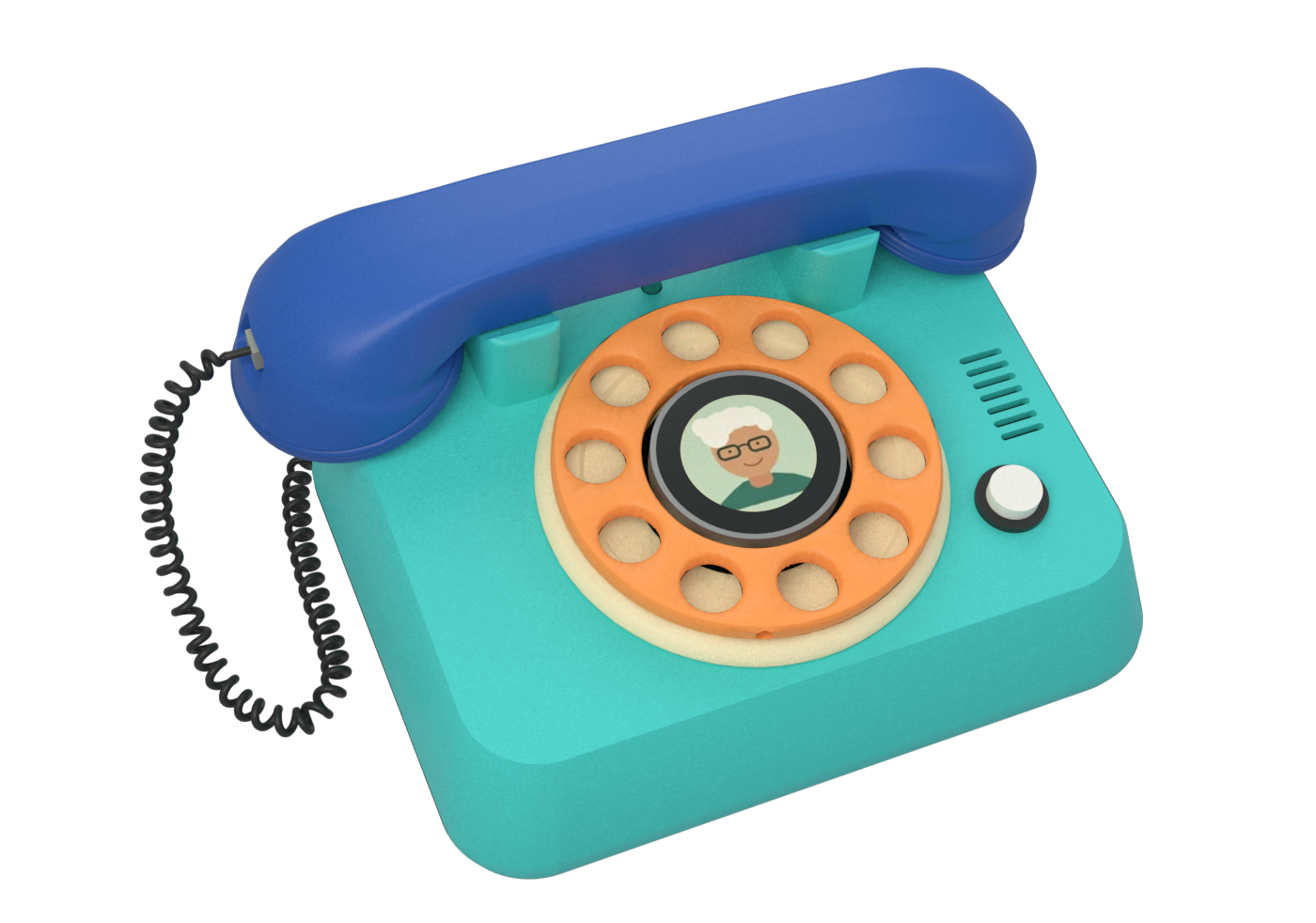
Click the coiled cord into the handset and base, rest the receiver in the cradle and plug in the USB-C adapter.
Connect to home Wi-Fi
On a setup-ready phone, press the picture dial. The installed companion will guide you onto the temporary setup network and then onto your home’s 2.4 GHz Wi-Fi. Hardware setup is in development.
Invite someone to the dial
Name your household in the companion and invite an adult by email. Their connection appears once they accept.